Certification status of ophthalmic technicians and equipment may be viewed in EXCELSIOR.
Access the Certification List
- Log in to EXCELSIOR at https://excelsior.meritcro.com (or https://excelsior.meritcro.cn for specified studies).
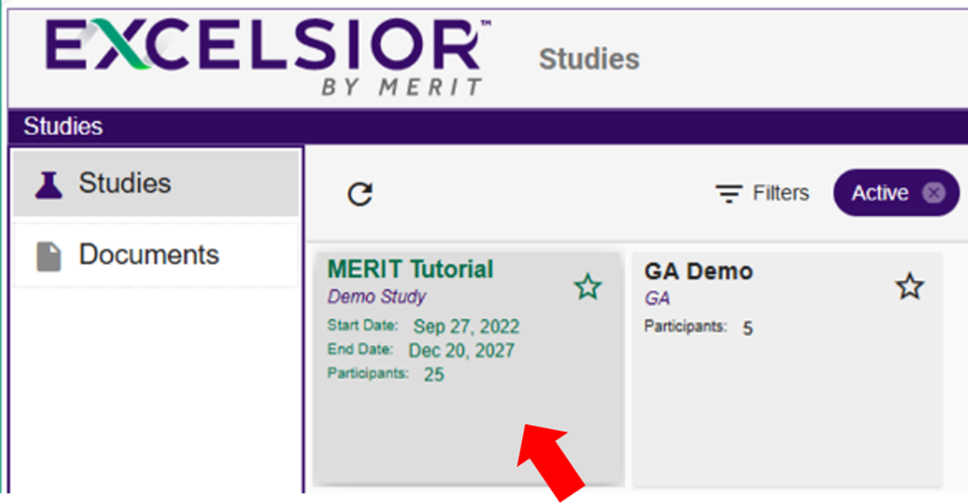
- Select the study of interest.
- Select the site of interest (if applicable).
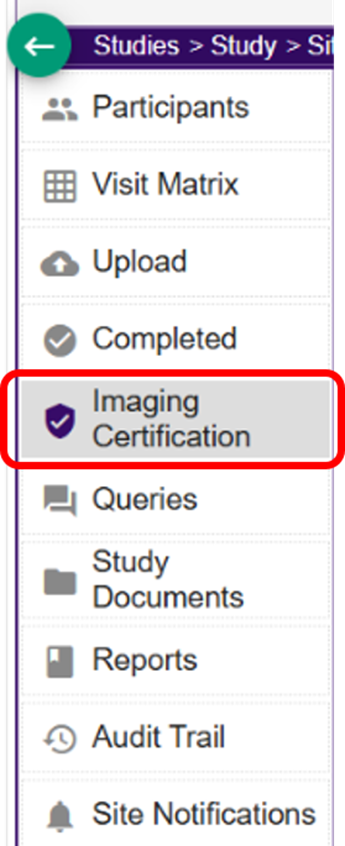
- Select the Imaging Certification tab on the left side of the page.
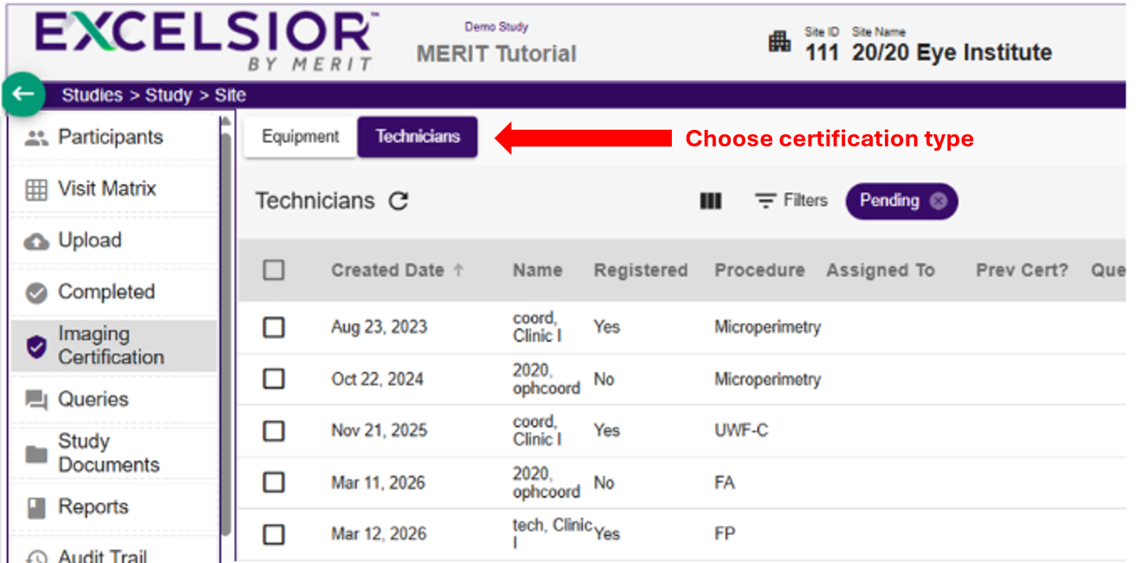
- Select the Technicians or Equipment tab.
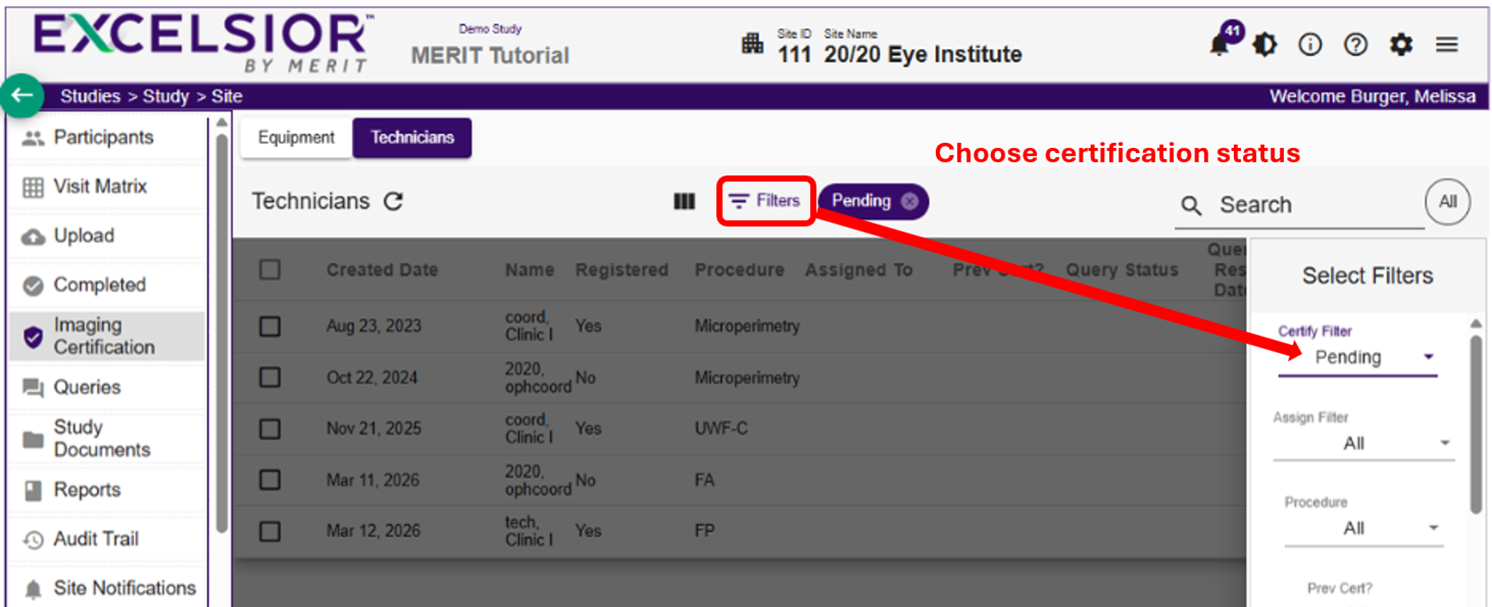
- Use Filters to switch between Pending, Certified, or All.
Pending Certifications
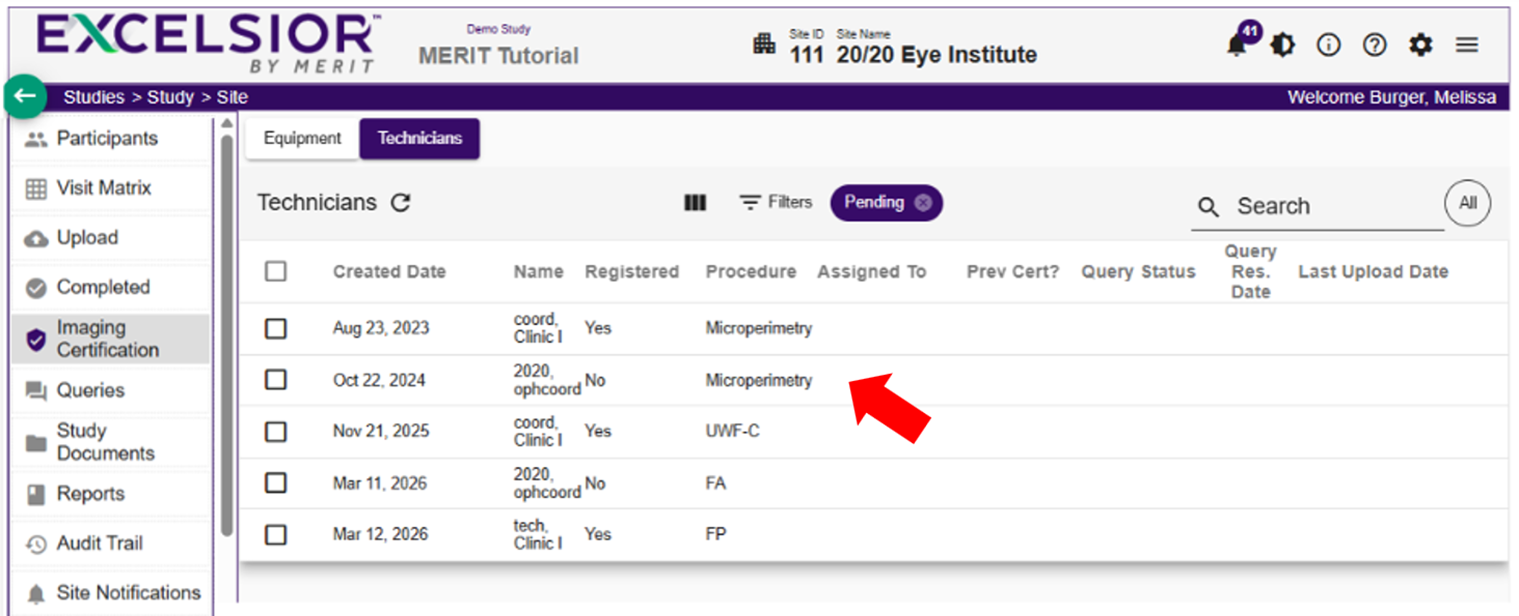
- The list defaults to display Pending certifications and shows technicians and equipment that have not yet completed certification. Each row displays:
- Registration status (technicians only)
- Procedure
- Query information
- To see more details, select a row.
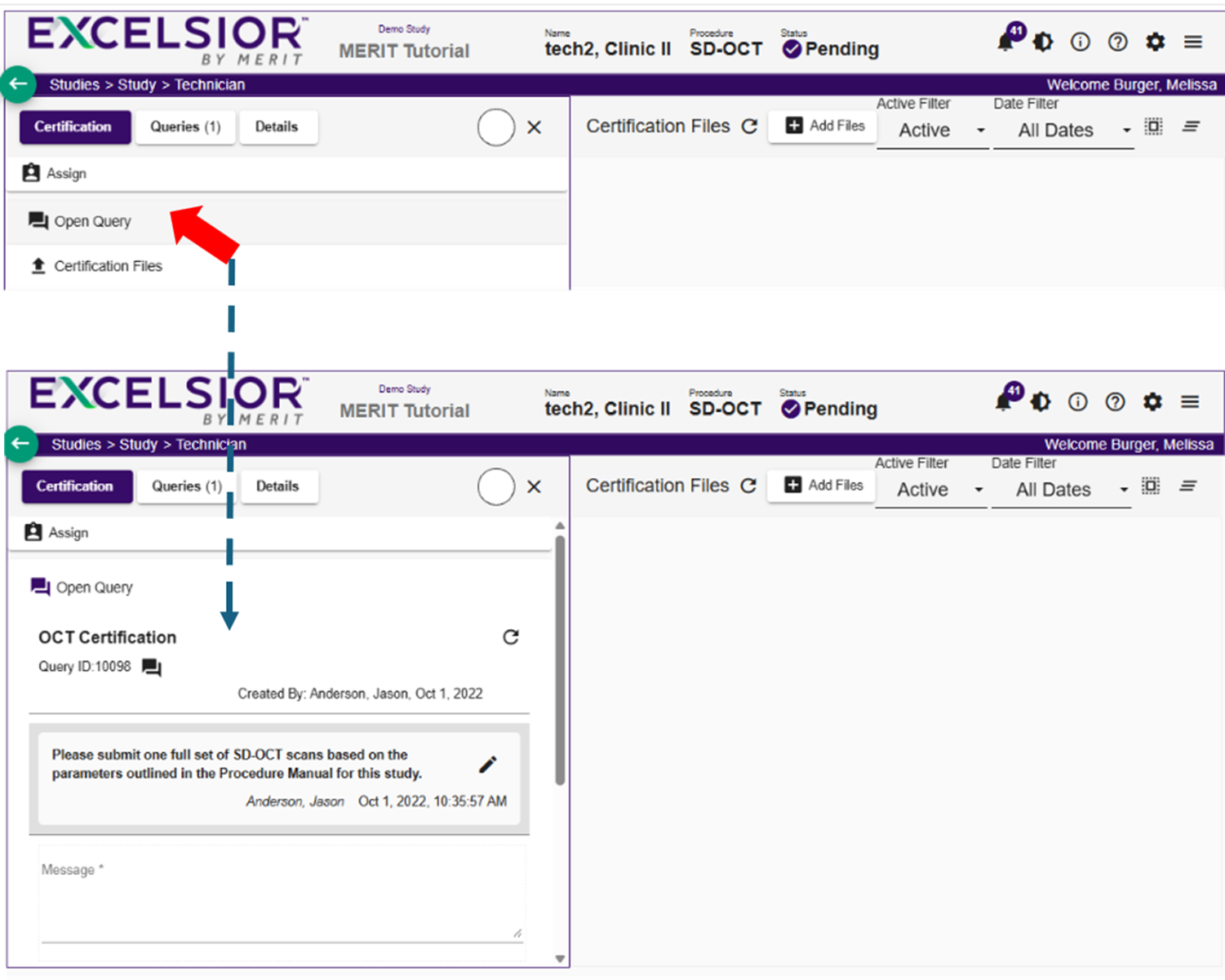
- To review query messages, select the Queries box, then select the original query to expand the message history.
Certified
- To see completed certifications, select Certified in the filter.
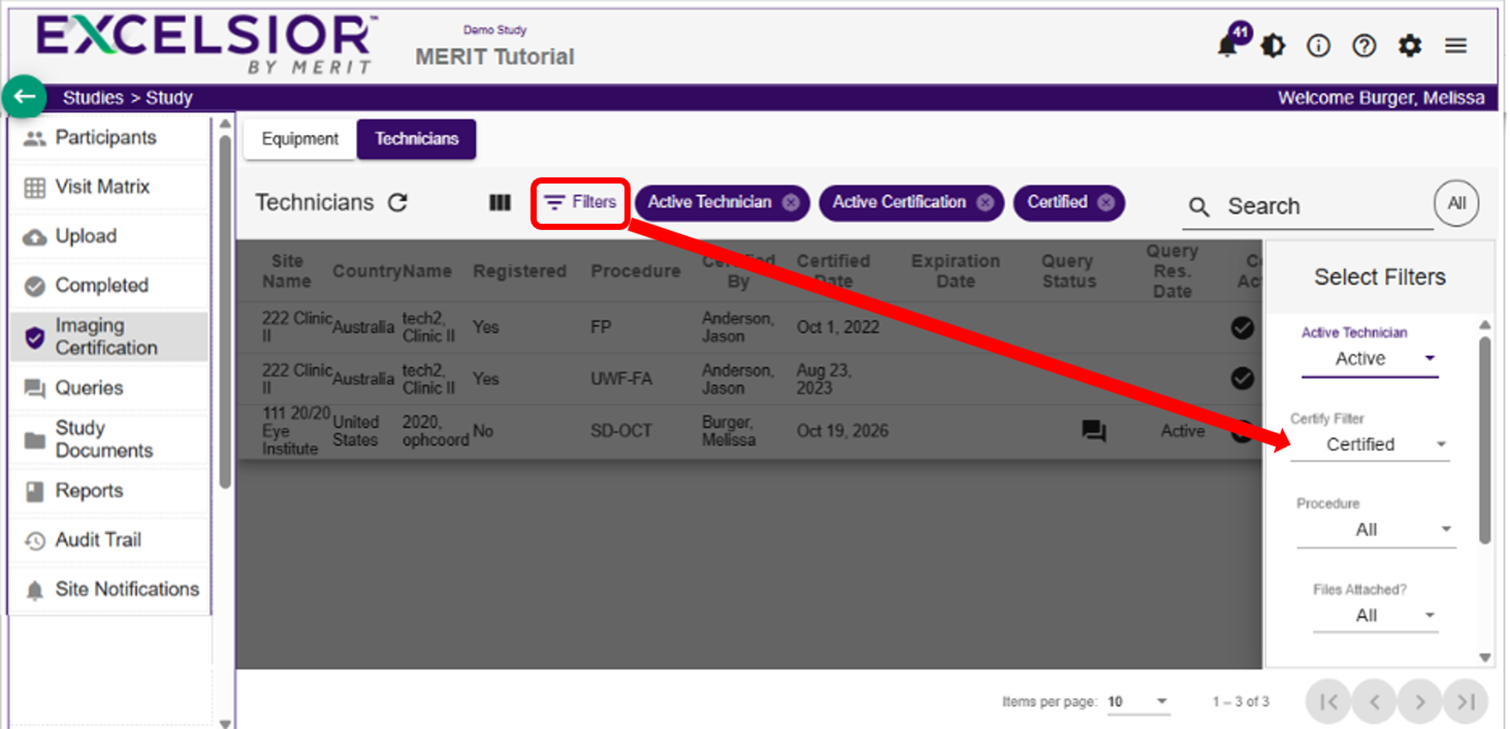
Each row displays:
- Procedure
- Staff member who certified the technician or equipment
- Certification date
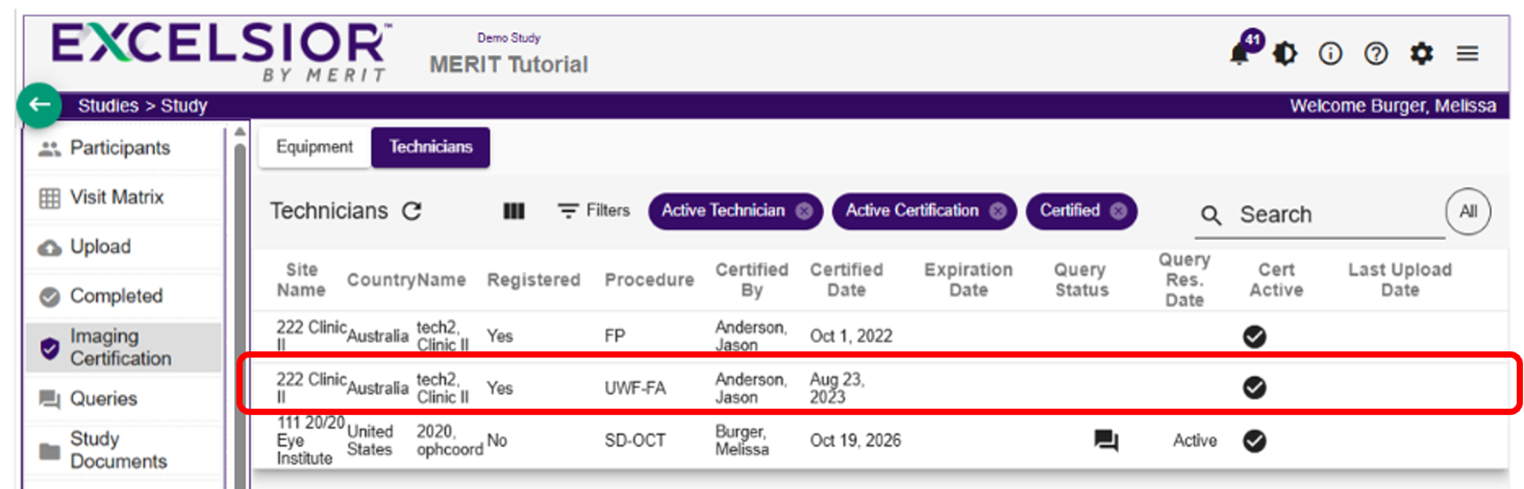
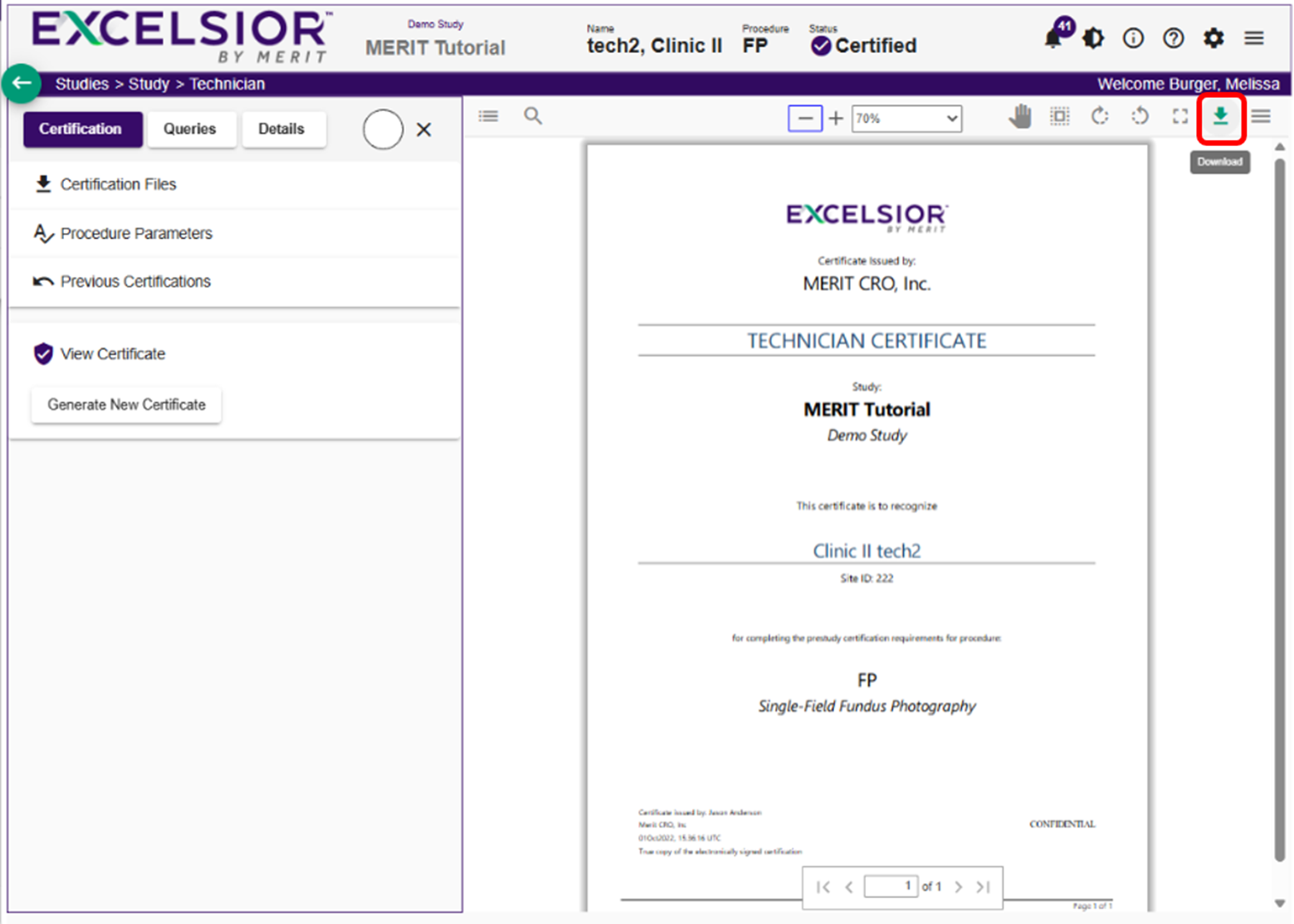
- To open a certificate, select the row for the certified technician or equipment. Select the download icon to download a PDF copy of the certificate.